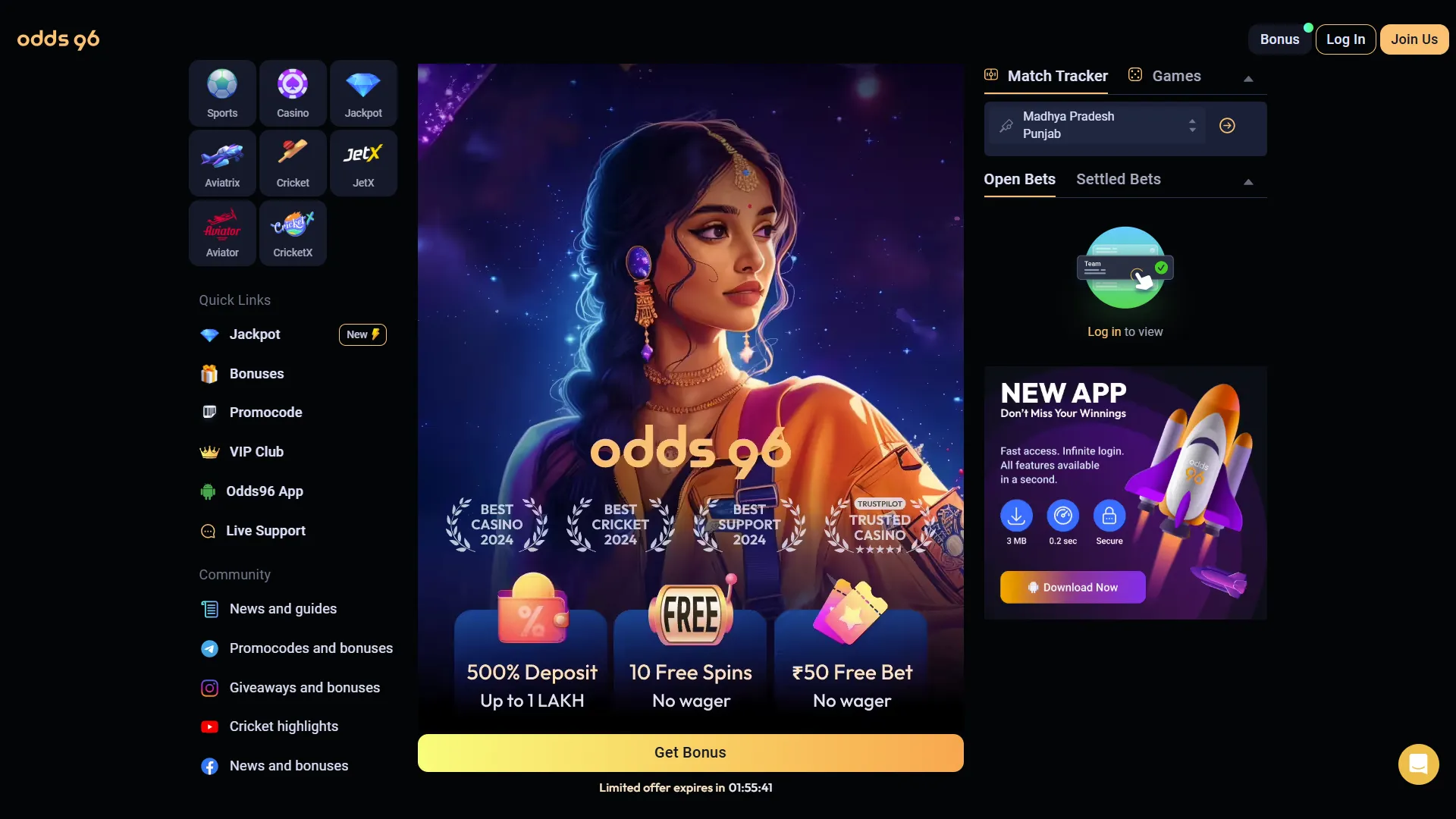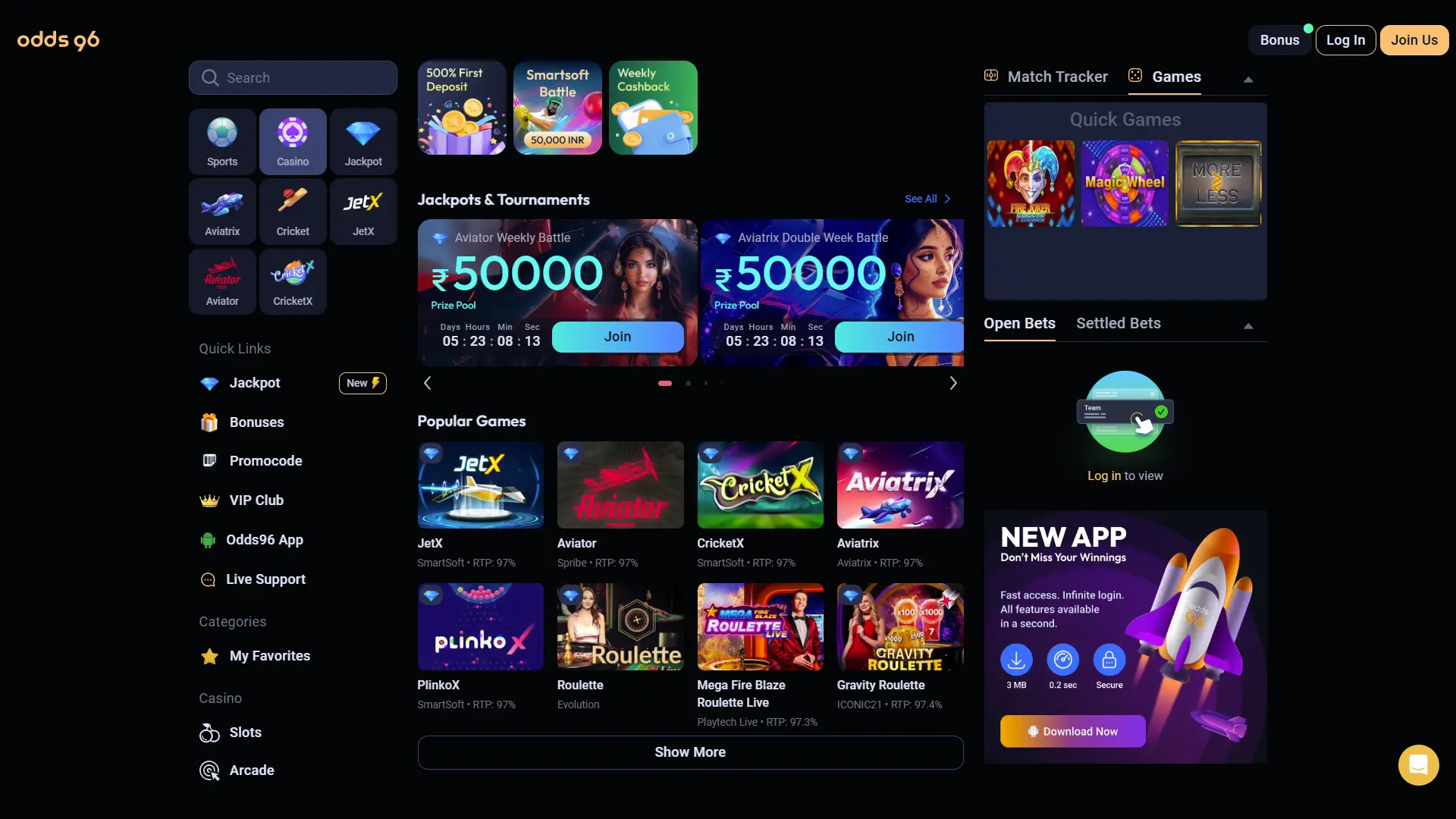
Odds96 App Download for Android and iOS
Download the Odds96 app and bet on cricket, play 12,000+ casino games from your phone. The app runs smooth on Android and iOS with fast loading, instant deposits and live dealer games. Get the 200% welcome bonus on your first deposit after install.
Odds96 App Characteristics
| App Name | Odds96 |
| Version | 2.1.0 (2026) |
| Android Size | 24 MB |
| iOS Size | 30 MB |
| Android Version | 5.0 and above |
| iOS Version | 11.0 and above |
| License | Curacao eGaming |
| Games Available | 12,000+ |
| Sports Covered | Cricket, football, kabaddi, tennis, eSports |
| Payment Methods | UPI, Paytm, PhonePe, Google Pay, USDT, Bank Transfer |
| Languages | English, Hindi, Bengali |
| Support | Live Chat, WhatsApp, Telegram, Email |
| Cost | Free |
Odds96 APK Download for Android
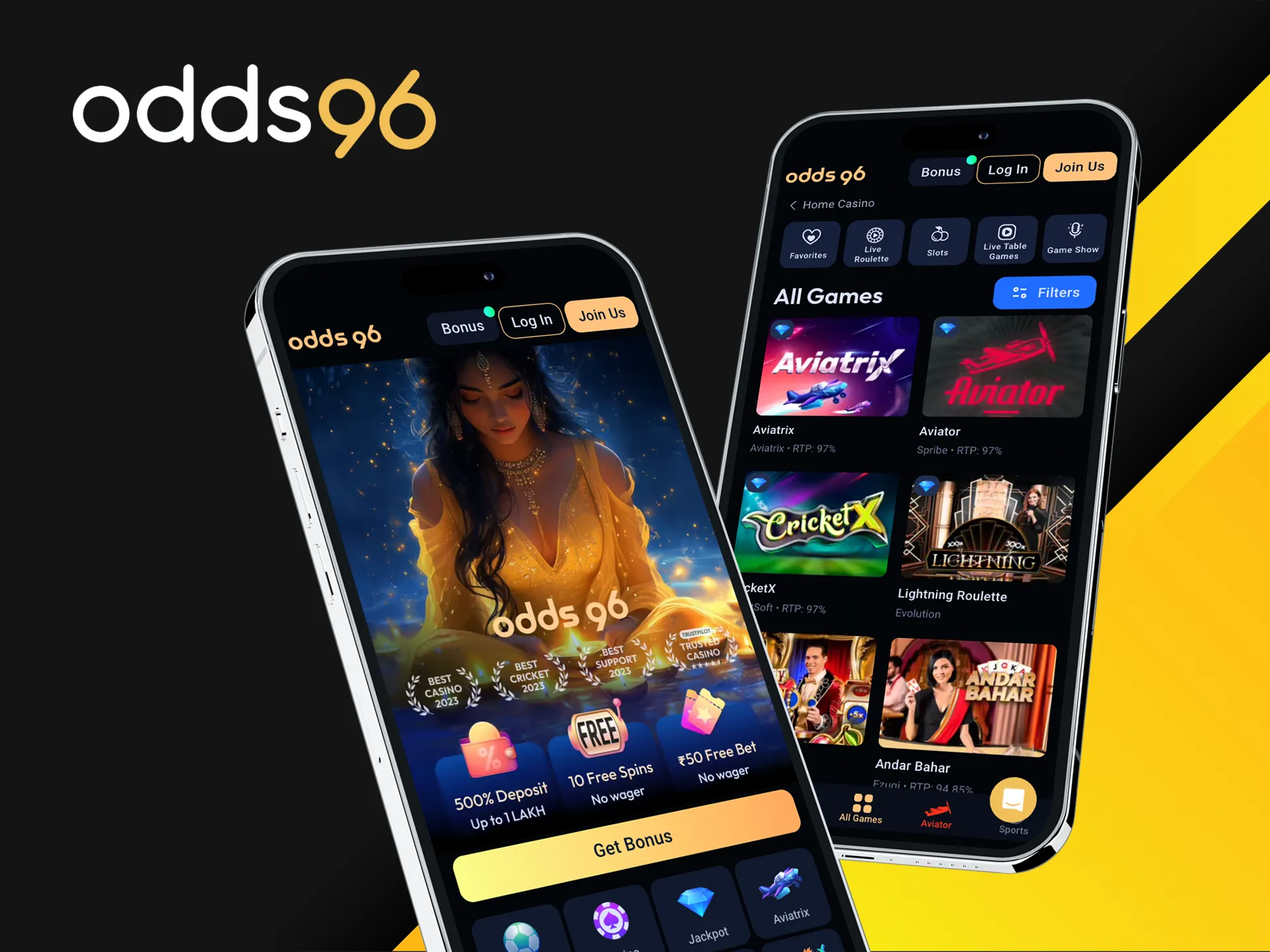
The Odds96 Android app is available as a direct APK download from the official website. You do not need to visit Google Play. The file is small and installs in under a minute. Here is how to get it on your phone.
- Open the Odds96 website on your Android phone.
- Tap the Download APK button on the app page.
- Wait for the APK file to download to your phone.
- Open Settings, go to Security and enable Install from Unknown Sources.
- Open the downloaded APK file and tap Install.
- Wait for the installation to finish, then tap Open.
- Log in or register from inside the app to start playing.
The app includes all game categories: sports betting, slots, live casino, Aviator, crash games, jackpots and eSports. Deposits and withdrawals work inside the app with the same methods as the website.
Download APKOdds96 App for iOS
The Odds96 iOS app works on iPhone and iPad. You can install it directly from the official website without using the App Store. The app is optimized for touch controls and runs smooth on iOS 11 and above.
- Open the Odds96 website in Safari on your iPhone or iPad.
- Tap the Download for iOS button on the app page.
- Follow the on screen instructions to add the app to your home screen.
- Open the Odds96 app from your home screen.
- Log in or register to start playing.
The iOS app supports all the same games and payment methods as the website. Push notifications keep you informed about new bonuses, tournament results and withdrawal status updates.
Download for iOSSystem Requirements
| Operating System | Android 5.0+ or iOS 11.0+ |
| RAM | 2 GB minimum, 4 GB recommended |
| Storage Space | 50 MB free |
| Internet | 3G, 4G, 5G or Wi-Fi |
| Screen | 4.7 inches and above |
| Processor | 1.4 GHz quad core or faster |
Odds96 App vs Browser Version
Both the app and the browser version give you access to all Odds96 games and features. The app offers faster loading and push notifications, while the browser works without any install. Here is a comparison.
| Feature | Odds96 App | Browser Version |
| Installation | Required | Not required |
| Loading Speed | Faster (cached) | Standard |
| Push Notifications | Yes | No |
| Storage Used | 24 to 30 MB | 0 MB |
| Offline Access | Login page only | No |
| Games Available | 12,000+ | 12,000+ |
| Sports Betting | Yes | Yes |
| Payment Methods | All | All |
| Bonuses | All promotions | All promotions |
App Screenshots